
OnAir is a Discord bot that only does one thing – announce when configured streamers go live. Streamers on Twitch are currently supported.
Features
OnAir allows Discord server owners to do the following:
- Add streamers and assign any text channel in the server to receive the notifications. Notifications are not required to all go to the same channel.
- Remove streamers
- List streamers
- Automatically remove notifications when streamers go offline
OnAir will also give the server owner the ability to get a preview of what the notification will look like once a streamer is successfully added.
Examples
Some example commands for managing streamers (with the example #testing channel already defined as a channel in the server):
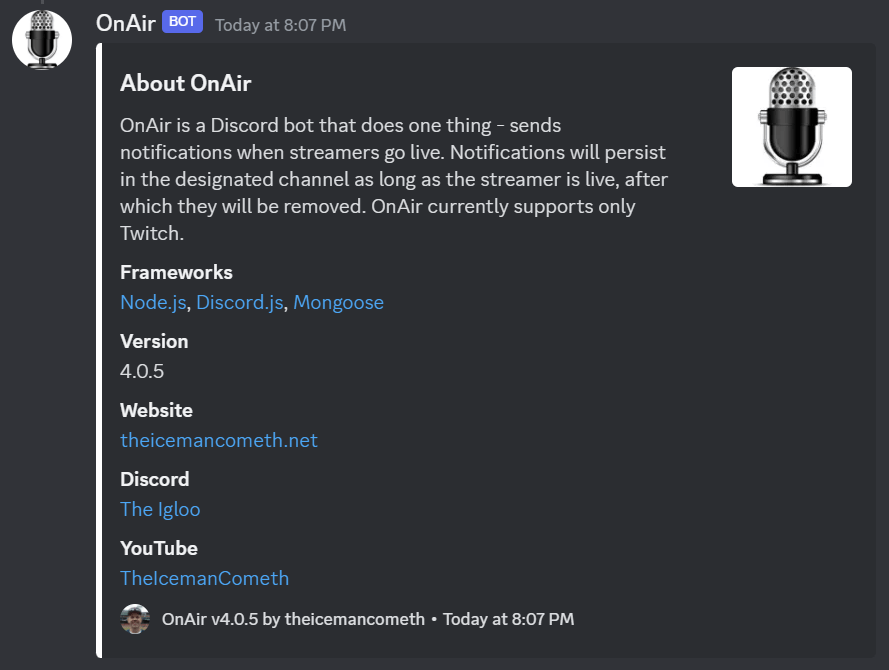
/on about
Returns basic information about OnAir itself:
/on add theigloogaming live-streamers
This command will add theigloogaming to the server, with notifications being sent to the #live-streamers channel. Streamers can be configured to have their notifications go to any channel on a server. A confirmation message is given if successful.
/on delete theigloogaming
This command will delete theigloogaming from the server. A confirmation message is given if successful.
/on list
This command will list all of the Twitch streamers defined for the server, along with the channel notifications will be delivered to.

If you would like to add OnAir to your Discord server, click here.
 The Igloo